
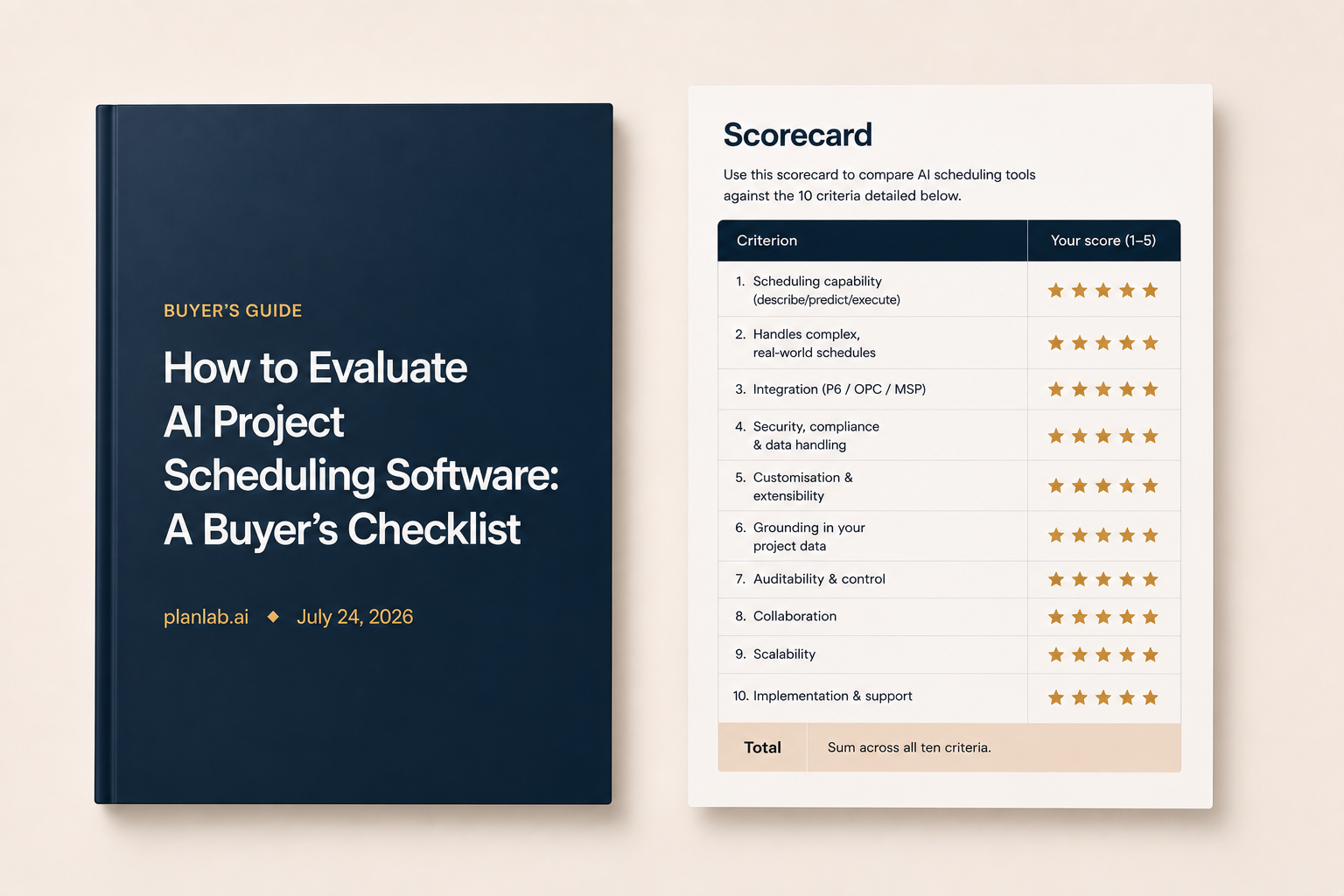
AI scheduling software should do more than report on your project. It should keep the schedule current, integrate cleanly with the tools you already use (Primavera P6, Oracle Primavera Cloud, Microsoft Project), manage the unique requirements of your most complex projects, and grow with you from a single project to your whole portfolio, so none of the knowledge you build gets lost.
But evaluating AI scheduling software is hard. Almost every tool now claims to be “AI-powered”. The phrase covers everything from a chatbot that writes a generic status report to software that can build an entire schedule from meeting notes. These are completely different solutions with different use cases, and a polished slogan or website demo rarely tells you which one you are looking at.
This guide gives you a 10-point checklist to evaluate which solution is right for you. The aim is to help separate a genuine AI scheduling platform with project controls capabilities from a reporting add-on with clever marketing. And if you can’t find clear answers on a vendor’s website, ask them these questions directly and insist on clear, detailed answers.
Get the PDF with the scorecard and full guide to choosing the right AI scheduling software for you. Fill in your details and the download will begin.
Scorecard
Use this scorecard to compare AI scheduling tools against the 10 criteria detailed below.
| Criterion | What top grades (5/5) look like | Your score (1–5) |
|---|---|---|
| 1. Scheduling capability (describe / predict / execute) | Executes: updates and optimises the schedule itself, not just reports on it | |
| 2. Handles complex, real-world schedules | Stays accurate and fast on large schedules with multiple constraints | |
| 3. Integration (P6 / OPC / MSP) | Full round-trip with no loss of logic, codes, or resources | |
| 4. Security, compliance & data handling | Certified and isolated; your data never trains a shared model | |
| 5. Customisation & extensibility | Adapts to your way of working; you can extend what it does | |
| 6. Grounding in your project data | Uses your schedules, history, documents, and templates to produce context-specific outputs | |
| 7. Auditability & control | Every change is traceable, explained, and reviewable before it applies | |
| 8. Collaboration | Whole team works off one live plan; comment and review, no version chaos | |
| 9. Scalability | Comfortably runs your whole project portfolio and grows with you | |
| 10. Implementation & support | Fast, guided onboarding, with the flexibility to take on as much or as little of the workload as you need | |
| Total | Sum across all 10 criteria (out of 50) |
10 criteria to evaluate AI project scheduling software
1. Scheduling capability: does it describe, predict, or execute?
This is the single most important distinction. Some tools only describe your project back to you through dashboards and auto-written reports. Some go further and predict: forecasting completion dates, identifying risks and modelling scenarios. The most comprehensive tools execute: they generate compliant plans, update schedules when something changes and find ways to compress timelines. Be clear about which capabilities you need and what you are buying.
Ask: Show me the software making a real change to a schedule, not just reporting on one. What did a person still have to do afterwards?
2. Can it handle complex, real-world schedules?
Your projects have thousands of activities, hard constraints, complex logic and interfaces between packages. The software needs to stay accurate and fast across all of it. Plenty of tools handle a standardised sample well but struggle on a unique project. Insist on seeing it run on a schedule that looks like yours, at your scale and with all its real-world complexity, not just a clean demo file.
Ask: Can we watch it run on one of our real, full-size schedules rather than a demo project?
3. Integration with the tools you already use
Most schedules live in Primavera P6, Oracle Primavera Cloud or Microsoft Project, and there may even be contractual requirements to keep them there. Good AI scheduling software should work cleanly with those systems and preserve logic, codes and resources when schedules move in or out. Weak integration can create silent data loss, which quickly undermines trust.
Ask: Can it import and export the files we use without losing anything?
4. Security, compliance and data handling
Your project data represents decades of learning and billions in value. It deserves to be protected as the strategic asset it is. You need to know how your data gets into the software, where it is hosted, and what happens to it once it is there. Is your schedule data used to train a shared model that competitors could also benefit from? Look for recognised certifications such as ISO 27001, clear data-residency options, role-based access controls, and the ability to keep your data isolated.
Ask: Where is our data hosted, how is it protected, and what certifications do you hold?
5. Customisation and extensibility
Every organisation has its own WBS, activity coding, resource libraries and reporting formats, and the software should adapt to those rather than force you to abandon them. Just as important is whether you can extend what the tool does. The best platforms let you shape and add to their capabilities with your own rules, logic and scheduling “skills”. This enables your processes to drive the software, not the other way around. You should not feel that the tool is limiting what your team is able to do.
Ask: Can we extend what it does ourselves when our needs go beyond the defaults?
6. Grounding in your project data
Generic AI output is far less useful than recommendations grounded in your organisation’s own data. The best tools draw on live schedules, project history, documents, standards and templates to produce relevant outputs, while making the underlying sources visible. Over time, they can also learn from completed projects, including durations, benchmarks, resourcing and risk. That means your organisational knowledge becomes more valuable with every project you deliver. A tool that only looks at the schedule in front of it leaves much of that value on the table.
Ask: Can it use our historical schedules, documents and templates to improve future schedules and show us the sources behind its recommendations?
7. Auditability and keeping planners in control
When AI changes a schedule, you must be able to see what it changed and why. Insist on a traceable change history and a plain-language rationale for every decision the software makes. This is also where control lives. The goal is to expand a planning team’s capacity and judgement, not to hand the schedule to a black box.
Ask: Can you show me the changes the AI made and provide a clear rationale for each one?
8. Team collaboration and access: can the whole team work off one plan?
Scheduling is a team sport. Planners build the schedule, project managers depend on it, and clients need visibility of it. The software should give each stakeholder the right level of access: planners can edit while clients have read-only visibility. Everyone should see what they need, and nothing they should not, while working from the same live plan without version issues.
Ask: Can we give a client read-only access while our planners edit, and can several people work on the same live plan?
9. Scalability: can it run a large portfolio?
This criterion is about scale: whether the solution, and the company behind it, can support a large organisation running a complex portfolio. A tool that comfortably handles one pilot project is not the same as one that can run hundreds of projects across an entire portfolio without slowing down or becoming unreliable.
Ask: Can it support our entire portfolio, with hundreds of projects and massive amounts of data behind them?
10. Implementation and support
There is a long road from signing a contract to delivering value, which is why it is crucial to understand who handles the setup, how your data gets loaded, how long onboarding realistically takes, and what ongoing support looks like. Some vendors offer a pure SaaS product, some act more like consultants with hands-on scheduling support, and some offer a mix of both.
Ask: What onboarding and ongoing support options do you offer?
Looking for AI project scheduling software?
Get in touch to discuss your scheduling needs: hello@planlab.ai.